SilhouetteSilhouette
OutlineOutline
silo. (Shiro) combines Silhouette and Outline.
The name reflects what the tool does: extract a subject’s outline and features from a photo, then turn them into simple lines that fit architectural drawings.
THE IDEA BEHIND SILO.
PHOTO TO LINE DRAWING
People, plants, furniture, animals and more.
Turn everyday images into line-drawn entourage for architectural drawings.
PHOTO TO LINE DRAWING
Extract a subject and simplify its outline and features into lines.
An example created with silo.


LINE + GRAY
A gray fill inside the outline brings out the silhouette.
Keep it as lines, or add a filled surface.
Adjust transparency to match your architectural presentation.
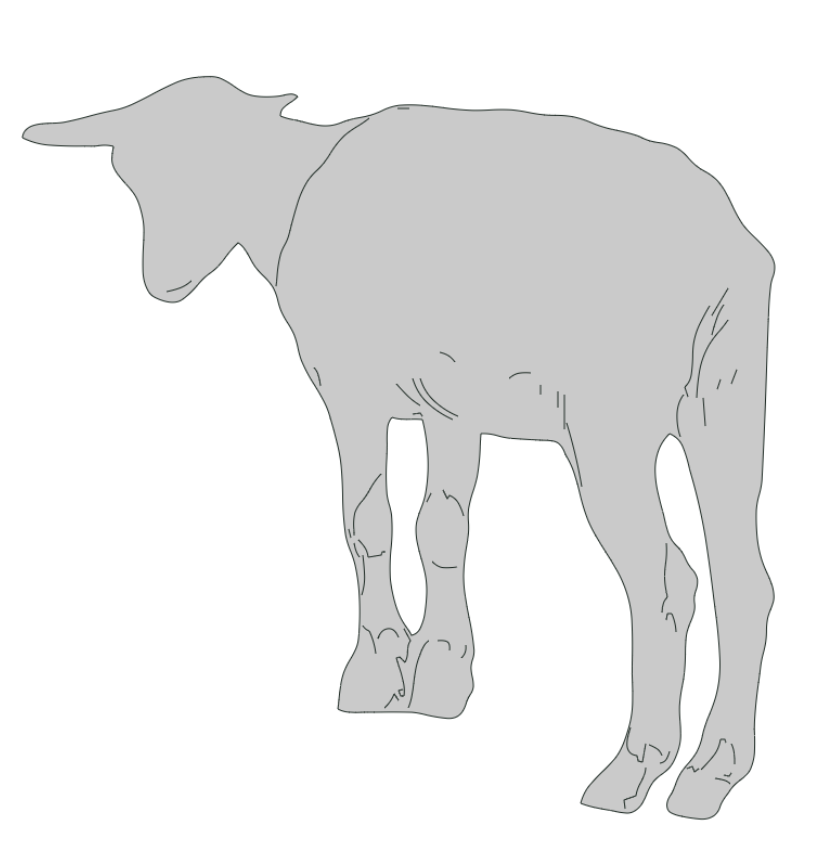
Choose which lines to keep, smooth them and remove unwanted parts.
Export finished drawings as DWG, DXF or SVG.
silo. (Shiro) combines Silhouette and Outline.
The name reflects what the tool does: extract a subject’s outline and features from a photo, then turn them into simple lines that fit architectural drawings.
Like drawing on white paper,
keep only the lines you need.
The sound “Shiro” also echoes the Japanese word “white”.
Like drawing on a blank sheet, silo. simplifies a photo’s complex information and expresses its subject through essential lines.
OUR APPROACH
People, plants, furniture and animals.
Bring lines from your photos into architectural drawings.